New reading.
A past connection.
Save a passage and add your thoughts. When you read something related later, Remora helps you find what you saved and see the connection.
For Chrome · Chrome Web Store release in preparation
Save it. Add a note. Find it again.
Screenshots of the extension interface, using prepared demo content.
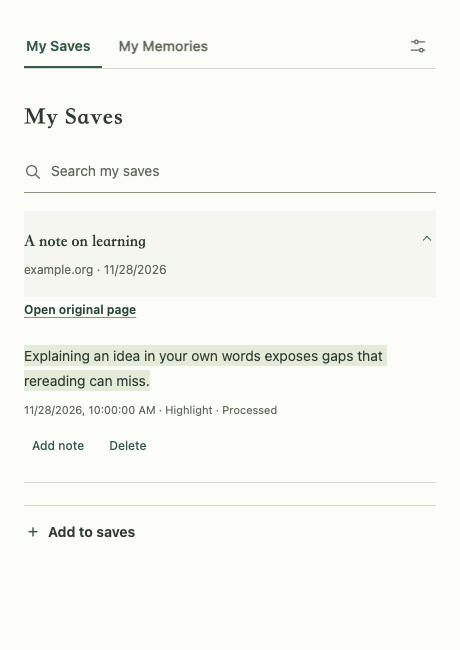
Save a passage
Select text and save it from the right-click menu. You can save a whole page, too.
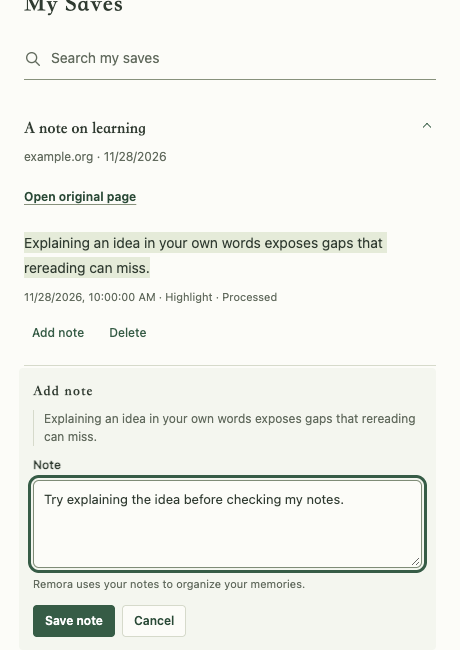
Add your thoughts
Write a note right after saving, or keep the original text on its own.
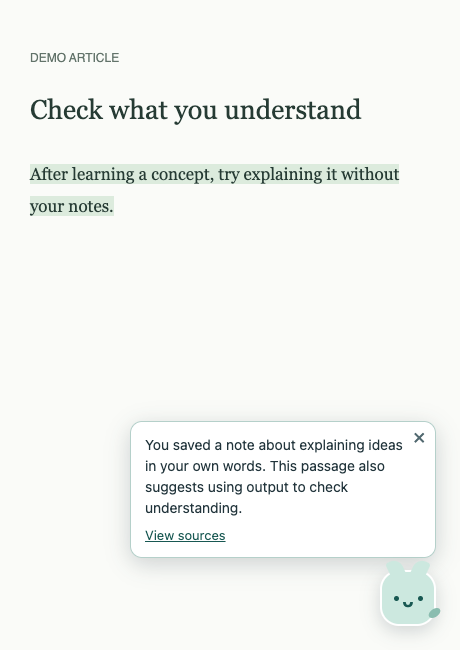
Revisit it while reading
A short tip appears beside the companion. Select “View sources” in the bubble to open the details in the side panel.
Choose how to be reminded
Pick the sites where Remora can look for connections, and pause whenever you like. No suitable connection means no reminder.
Your saves and notes, ready to revisit
Search in the side panel or click a title to return to the original page. You can also export your data, delete saves or delete your account.
Saved content syncs to your account and is processed by cloud models. Automatic connections start with on-device filtering. The full service needs an internet connection.
Preparing for the Chrome Web Store
The installation link will appear here when the extension is available.
Remora requires an account. First use includes an on-device model download of about 129 MB.